
Handcrafted and designed for busyminds
Save in one breath. Watch when you have a window. No mental tab tax.
Join the waitlist for early access as new capabilities roll out.
By the QueueFy teamLast reviewed:
Quick answer
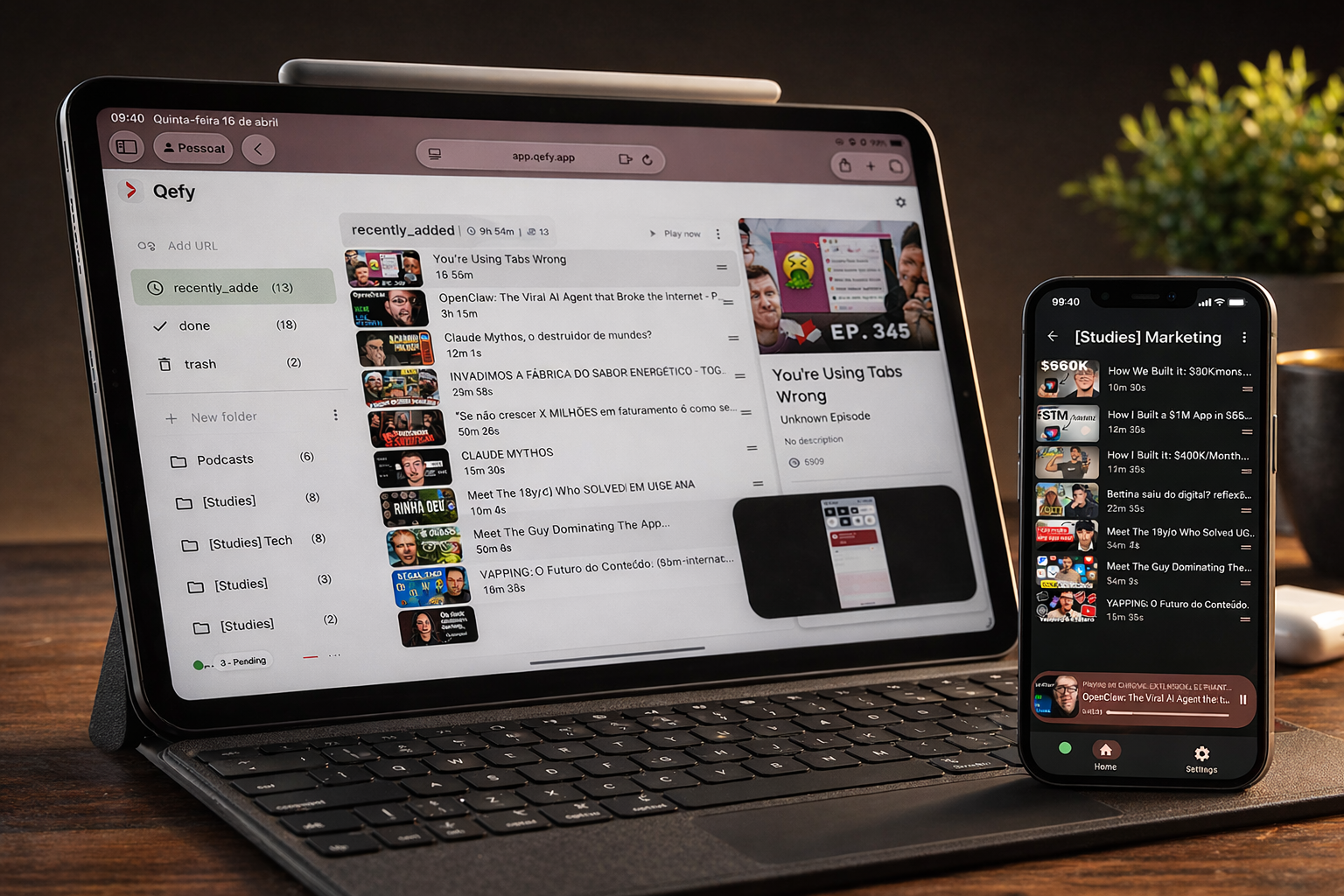
Busy schedules punish systems that need maintenance. QueueFy is built for capture in under five seconds: see something useful, click the extension, pick a folder (or accept the default), move on. When a 20-minute gap opens — commute, lunch, kid's practice — your queue is already ordered. You are not reopening tabs, re-finding URLs, or negotiating with a algorithm about what deserves attention next.
Note: Native iOS and Android apps are in development (targeting Q3 2026). Cross-device sync works today through the web app in your mobile browser plus the desktop browser extension.
Key takeaways
- Busy schedules punish systems that need maintenance. QueueFy is built for capture in under five seconds: see something useful, click the extension, pick a folder (or accept the default), move on. When a 20-minute gap opens — commute, lunch, kid's practice — your queue is already ordered. You are not reopening tabs, re-finding URLs, or negotiating with a algorithm about what deserves attention next.
- Extension capture while you scroll — zero copy-paste, zero "open app, paste link, tag, sync."
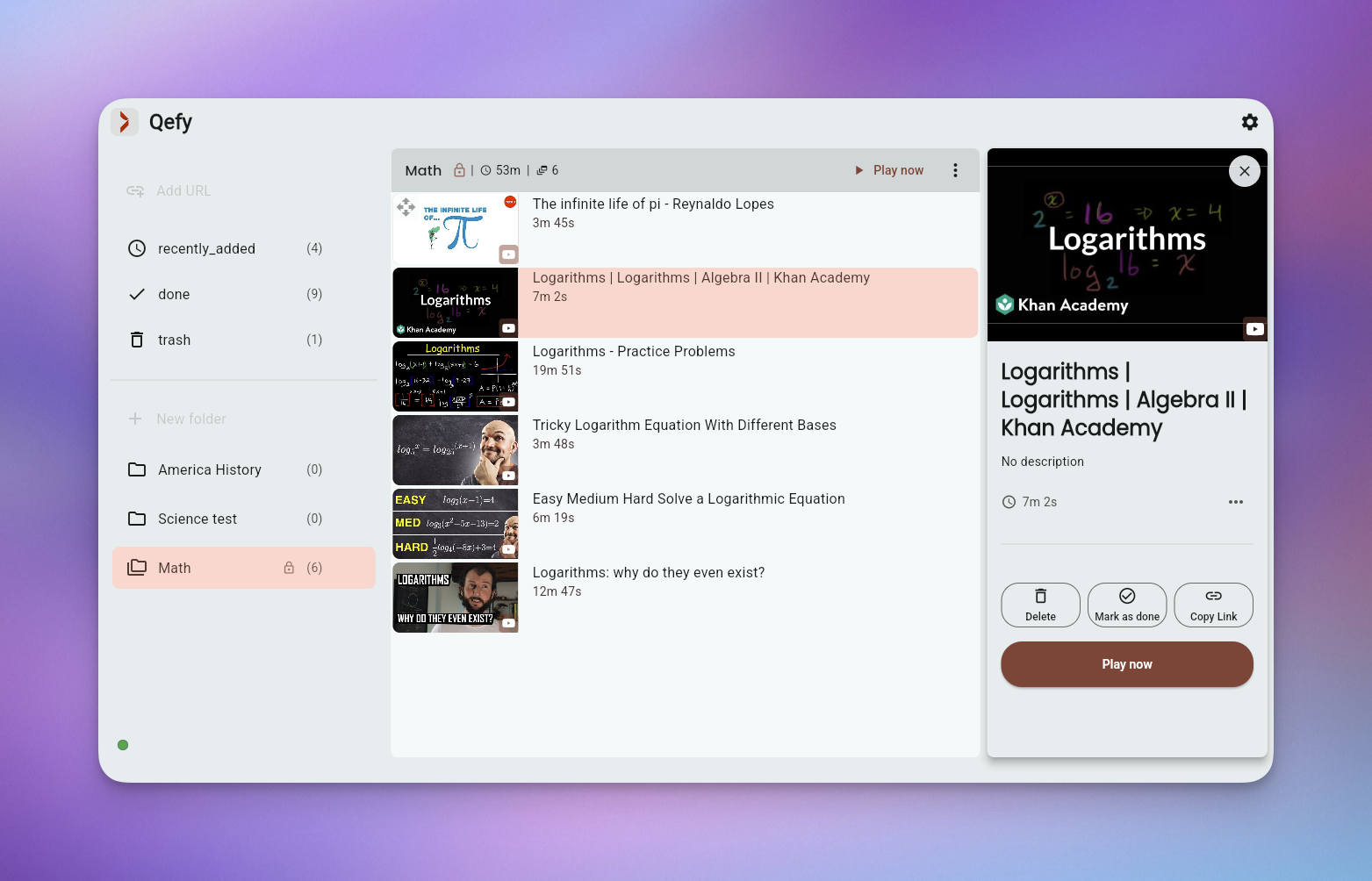
- Folders by deadline, context, or energy level so sorting happens once, not every playback session.
- Speed control and autoplay turn short windows into completed episodes or half a lecture.
How QueueFy helps this audience
Most people save more media than they finish in a week — which is why a system that turns discovery into a repeatable routine matters. These benefits focus on how QueueFy reduces capture friction and keeps your queue actionable.
- Extension capture while you scroll — zero copy-paste, zero "open app, paste link, tag, sync."
- Folders by deadline, context, or energy level so sorting happens once, not every playback session.
- Speed control and autoplay turn short windows into completed episodes or half a lecture.
- Clean my mess to triage YouTube tab sprawl after a hectic week in one focused pass.
- Default folder routing for zero-decision saves when you truly have ten seconds.
- Cross-device sync: capture on desktop all day, press play on mobile in the only free block you get.
Use cases
Use cases below show how to bundle mixed media into predictable sessions so you finish what you save — whether that is a commute queue, a weekend catch-up, or a focused study block.
- Commute listening queue: podcasts and talk videos autoplay hands-free. (commute)
- Weekend catch-up folder: everything that accumulated Mon–Fri, ready for Saturday morning coffee. (~1 hr/weekend)
- Save-now, review-during-lunch flow: three articles-with-video saved at 9am, consumed at 12:30. (lunch break)
- Travel offline planning: queue long-form downloads list before a flight (playback still on platform). (before travel)
Frequently asked questions
People naturally ask the same questions about switching tools, device support, and workflow fit. These FAQs answer the practical questions first, not marketing.
Will this add more overhead to my day?
The baseline loop is save → folder → play. Most busy users run two or three folders and a default capture target.
Can I batch consumption on weekends?
Yes. Queue autoplay is designed for back-to-back sessions when you finally have a larger block of time.
What if I never have time to organize?
Use one Inbox folder and periodic Clean my mess triage — ten minutes weekly beats daily guilt about messy tabs.
Does QueueFy send notifications?
QueueFy is pull-based — you open your queue when you have time, not when an app nags you.
Can I share queues with a partner or assistant?
Check current plan features for sharing. Many busy users sync personally across phone and laptop first. — Compare all plans