
Handcrafted and designed for students
Turn random saves into structured study sessions with folders and playback controls.
Join the waitlist for early access as new capabilities roll out.
By the QueueFy teamLast reviewed:
Quick answer
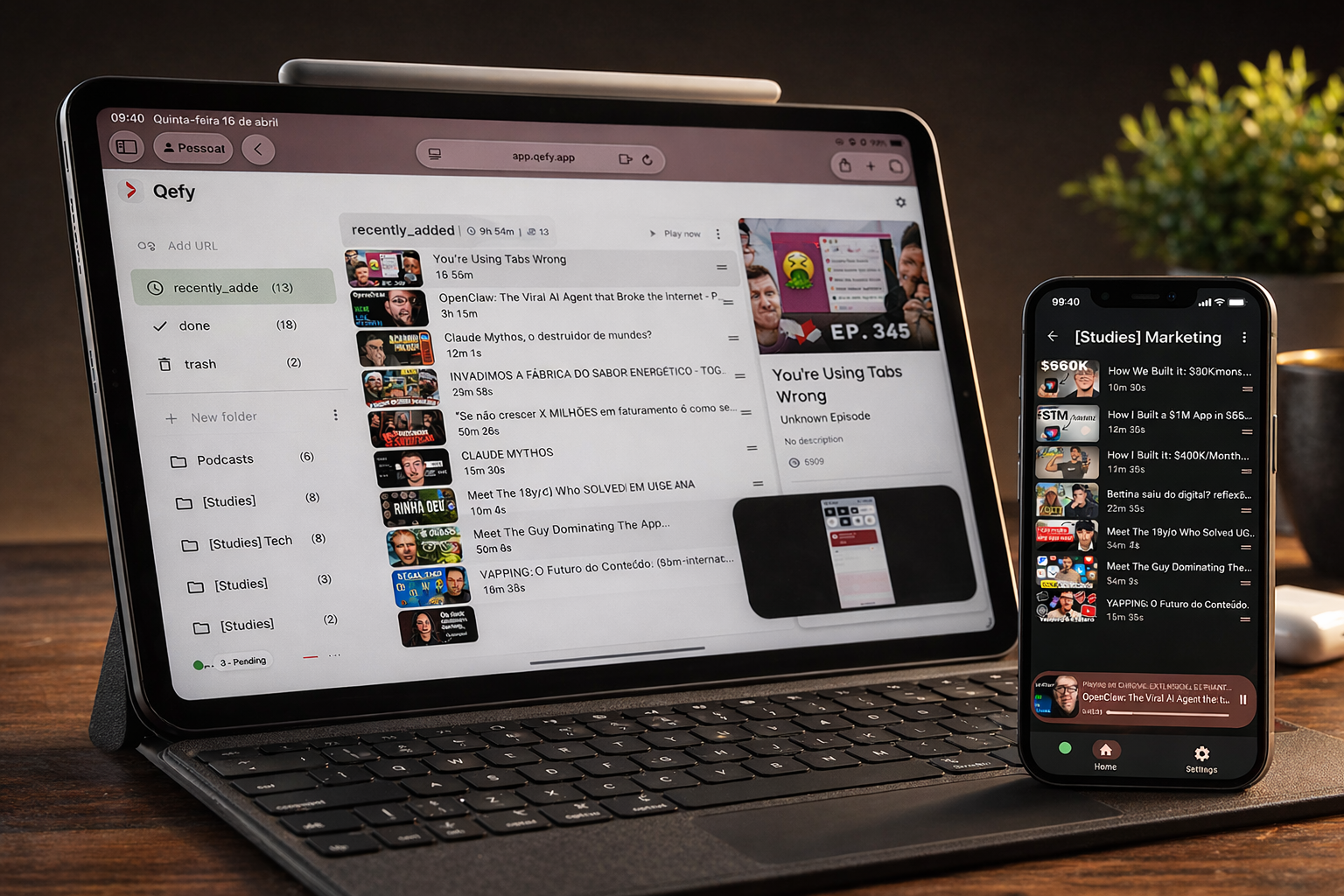
Students collect educational media from everywhere: LMS recordings, YouTube explainers, podcast reviews, and Khan-style walkthroughs. Without a system, every exam season becomes tab archaeology. QueueFy gives you one capture path from the browser, folders aligned to courses or modules, and queue playback with speed control so a two-hour revision block actually moves through material instead of restarting the search every twenty minutes.
Note: Native iOS and Android apps are in development (targeting Q3 2026). Cross-device sync works today through the web app in your mobile browser plus the desktop browser extension.
Key takeaways
- Students collect educational media from everywhere: LMS recordings, YouTube explainers, podcast reviews, and Khan-style walkthroughs. Without a system, every exam season becomes tab archaeology. QueueFy gives you one capture path from the browser, folders aligned to courses or modules, and queue playback with speed control so a two-hour revision block actually moves through material instead of restarting the search every twenty minutes.
- Study folders by subject, professor, or exam date — not one endless Watch Later mixed with memes.
- Speed control (1.25×–2×) for review sessions when you already saw the lecture once.
- Save-now, review-later flow from the extension during research without breaking your writing flow.
How QueueFy helps this audience
Most people save more media than they finish in a week — which is why a system that turns discovery into a repeatable routine matters. These benefits focus on how QueueFy reduces capture friction and keeps your queue actionable.
- Study folders by subject, professor, or exam date — not one endless Watch Later mixed with memes.
- Speed control (1.25×–2×) for review sessions when you already saw the lecture once.
- Save-now, review-later flow from the extension during research without breaking your writing flow.
- Autoplay queue keeps momentum through a problem set playlist or chapter sequence.
- Clean my mess when a research rabbit hole leaves thirty tabs open the night before a paper is due.
- Cross-device sync: save on the library computer, queue on your phone walking to the next class.
Use cases
Use cases below show how to bundle mixed media into predictable sessions so you finish what you save — whether that is a commute queue, a weekend catch-up, or a focused study block.
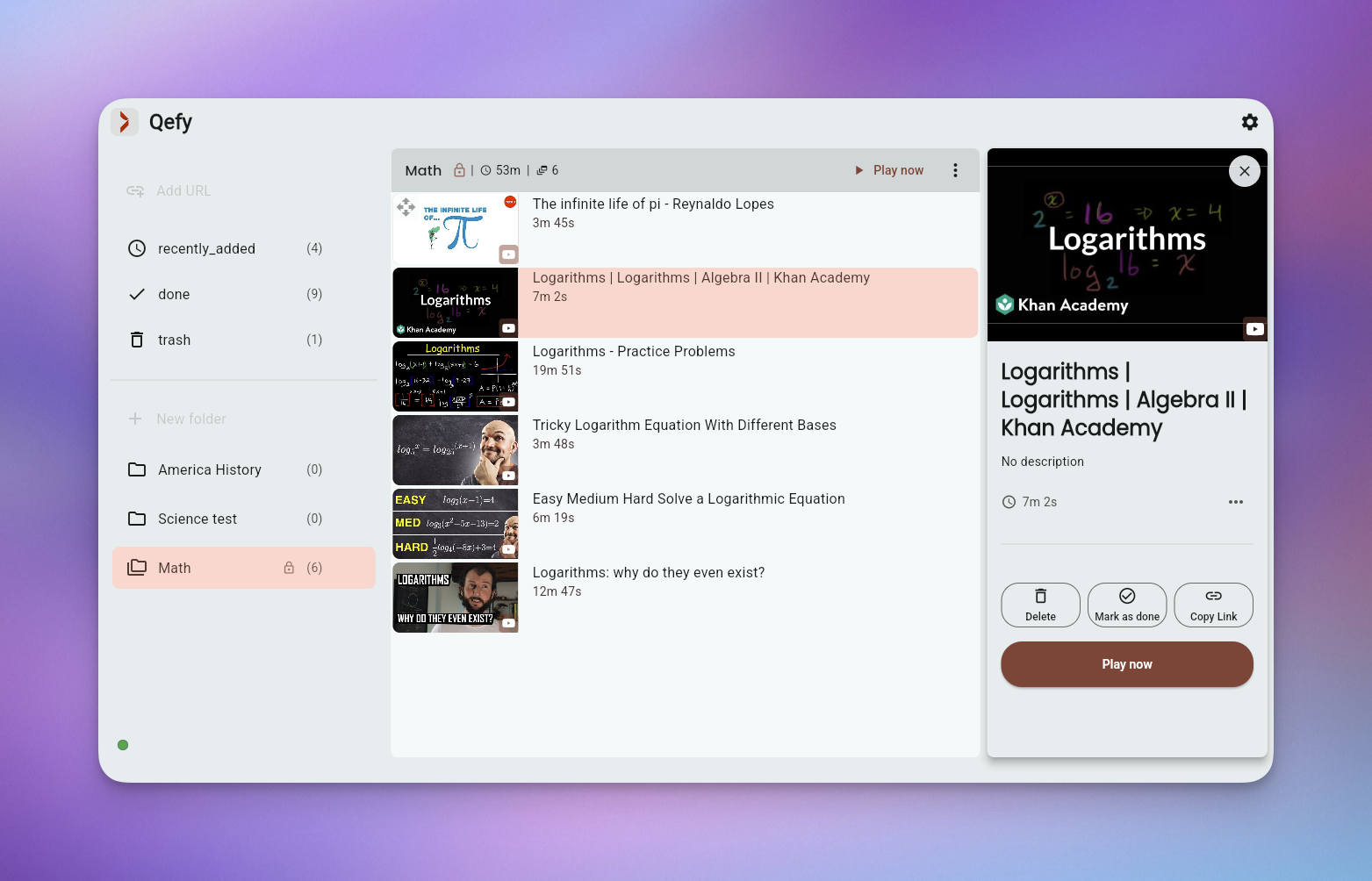
- Exam revision queue: "Calc II — finals" folder with twelve worked examples in deliberate order. (~30 min/week)
- Course plus reference stack: main playlist from the professor plus supplemental YouTube explainers in a sibling folder. (per course)
- Commute listening routine: podcast reviews and audio lectures autoplay on the bus. (between classes)
- Group project research: shared folder naming convention so everyone saves sources the same way. (exam season)
Frequently asked questions
People naturally ask the same questions about switching tools, device support, and workflow fit. These FAQs answer the practical questions first, not marketing.
Can I organize by class or semester?
Yes. Common setups: one folder per class, or Semester → Class → Topic. Archive finished courses into immutable folders so they do not clutter active work.
Is it useful for long MOOCs or multi-week courses?
Yes. Queue playback supports incremental progress — finish Module 3 before saving Module 7, or run weekly queues that match the syllabus.
Does QueueFy host course videos?
No. Videos stay on the original platform. QueueFy tracks what to watch next and keeps your study stack in one place.
Can I use it for language learning?
Absolutely. Folders for listening practice, grammar explainers, and immersion clips with speed control for comprehension tuning.
How is this different from a YouTube playlist?
Playlists are single-platform and easy to derail. QueueFy mixes sources, adds folders across courses, and gives cleanup tools when tabs replace playlists.