
Handcrafted and designed for creators
Reference chaos kills creative momentum. QueueFy gives creators a clean, searchable media operation.
Join the waitlist for early access as new capabilities roll out.
By the QueueFy teamLast reviewed:
Quick answer
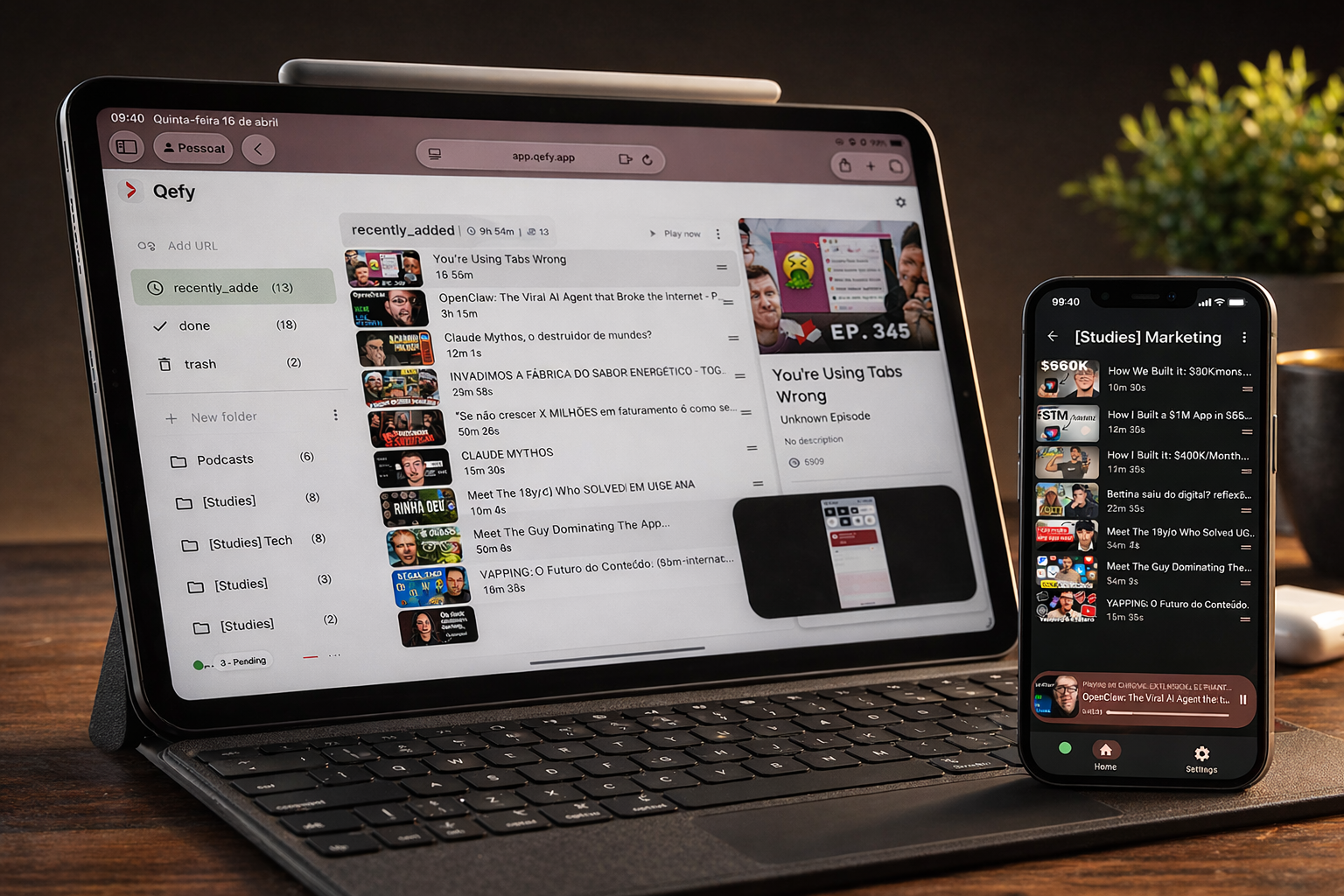
Creators do not have a inspiration problem — they have a retrieval problem. You see a killer hook, a pacing idea, or a thumbnail layout while scrolling, then lose it in bookmarks, screenshots, and DM threads. QueueFy turns that intake into project folders: save from the extension while researching, queue deliberate review sessions, and separate references by channel, format, or campaign so production day starts with material, not a blank search bar.
Note: Native iOS and Android apps are in development (targeting Q3 2026). Cross-device sync works today through the web app in your mobile browser plus the desktop browser extension.
Key takeaways
- Creators do not have a inspiration problem — they have a retrieval problem. You see a killer hook, a pacing idea, or a thumbnail layout while scrolling, then lose it in bookmarks, screenshots, and DM threads. QueueFy turns that intake into project folders: save from the extension while researching, queue deliberate review sessions, and separate references by channel, format, or campaign so production day starts with material, not a blank search bar.
- Fast reference capture while browsing — one click from YouTube, TikTok embeds, podcast clips, or competitor landing pages.
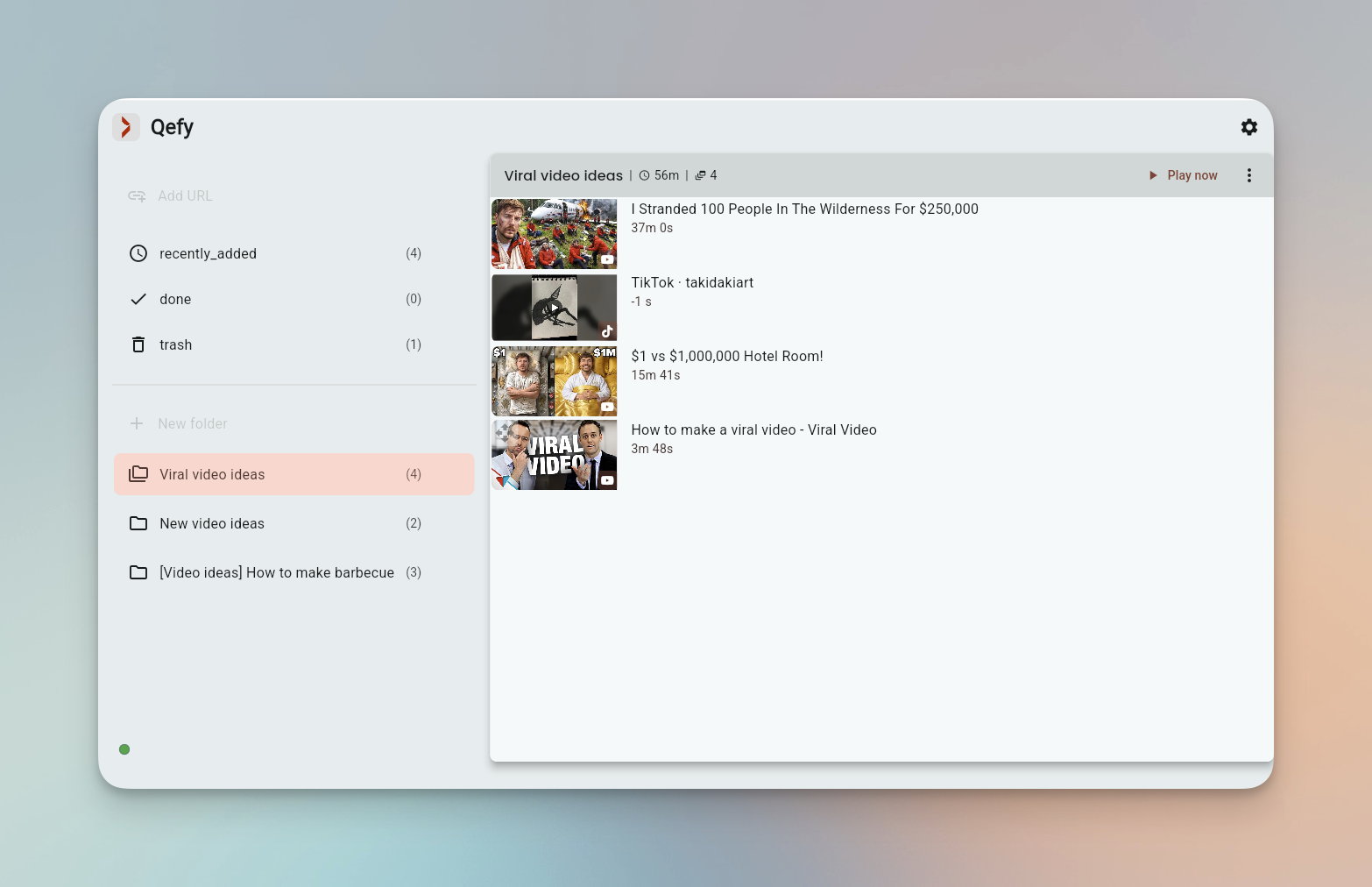
- Project folders for channels, series, sponsors, and one-off experiments instead of one giant "ideas" dump.
- Queue playback for research blocks: watch ten references at 1.25× before writing a script, not during editing crunch.
How QueueFy helps this audience
Most people save more media than they finish in a week — which is why a system that turns discovery into a repeatable routine matters. These benefits focus on how QueueFy reduces capture friction and keeps your queue actionable.
- Fast reference capture while browsing — one click from YouTube, TikTok embeds, podcast clips, or competitor landing pages.
- Project folders for channels, series, sponsors, and one-off experiments instead of one giant "ideas" dump.
- Queue playback for research blocks: watch ten references at 1.25× before writing a script, not during editing crunch.
- Clean my mess when research tabs multiply during a deep dive — triage into folders instead of losing the session to tab anxiety.
- Cross-device sync so references saved on desktop are queued on mobile for commute review.
- SOON roadmap tags help you plan around upcoming features without assuming they ship today.
Use cases
Use cases below show how to bundle mixed media into predictable sessions so you finish what you save — whether that is a commute queue, a weekend catch-up, or a focused study block.
- Research folder per upcoming video: references, B-roll sources, and sound-design examples in one queue. (~10 min/day)
- Clip curation pipeline: save candidate moments, review in order, move winners to an "Approved" folder. (per project)
- Podcast and video inspiration queue: study pacing and intros across five creators before recording your next episode. (batch weekly)
- Campaign archive: immutable folder for a launched series so you can revisit what worked without mixing drafts. (before publish)
Frequently asked questions
People naturally ask the same questions about switching tools, device support, and workflow fit. These FAQs answer the practical questions first, not marketing.
Can teams or editors use QueueFy together?
QueueFy is account-based today. Many teams share login context or hand off folder names as a lightweight reference system; check current plan docs for seat and sharing options. — Compare all plans
Does QueueFy replace editing or scripting tools?
No. QueueFy sits upstream — intake, organization, and review playback. Your editor, Notion doc, or teleprompter still handle production.
Can I organize by client or brand deal?
Yes. Nested folders work well for agency workflows: Client → Campaign → References.
Does it work for non-YouTube creators?
Yes. Podcasters, newsletter writers who save talks, and short-form creators all benefit from the same capture-and-queue loop.
How is this better than Raindrop or bookmarks?
Bookmarks store links. QueueFy adds queue playback, folder-first media workflow, and Clean my mess for YouTube tab sprawl — built for finishing review sessions, not just hoarding URLs.