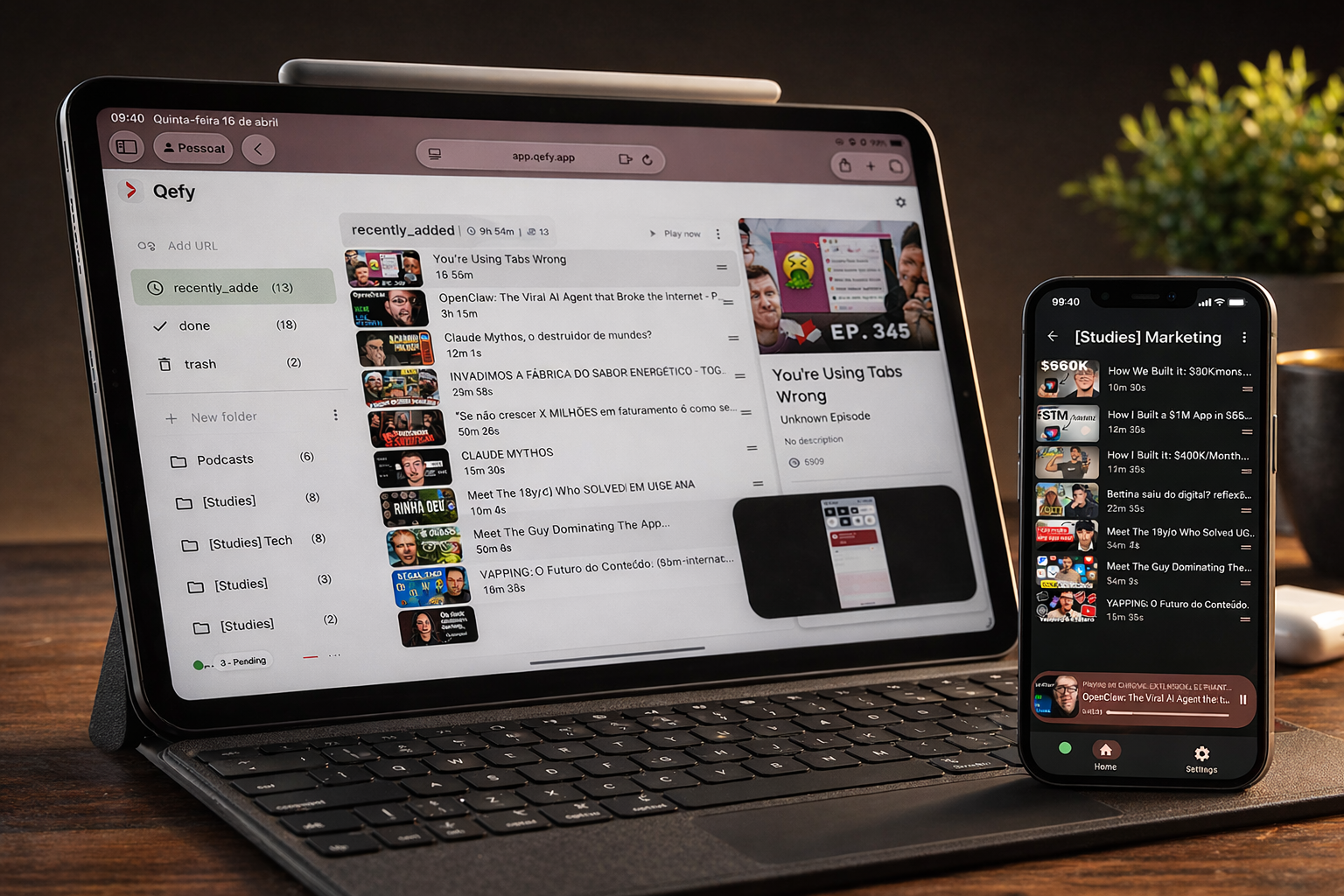
QueueFy is a web app for organizing and playing media you save from the web—videos, playlists, podcasts, courses, and more. You run it in any modern browser on desktop, tablet, or mobile. The optional QueueFy browser extension is the quickest way to capture links while you browse and send them into your folders. Native apps and more platforms (including TV and in-car) are on the roadmap.
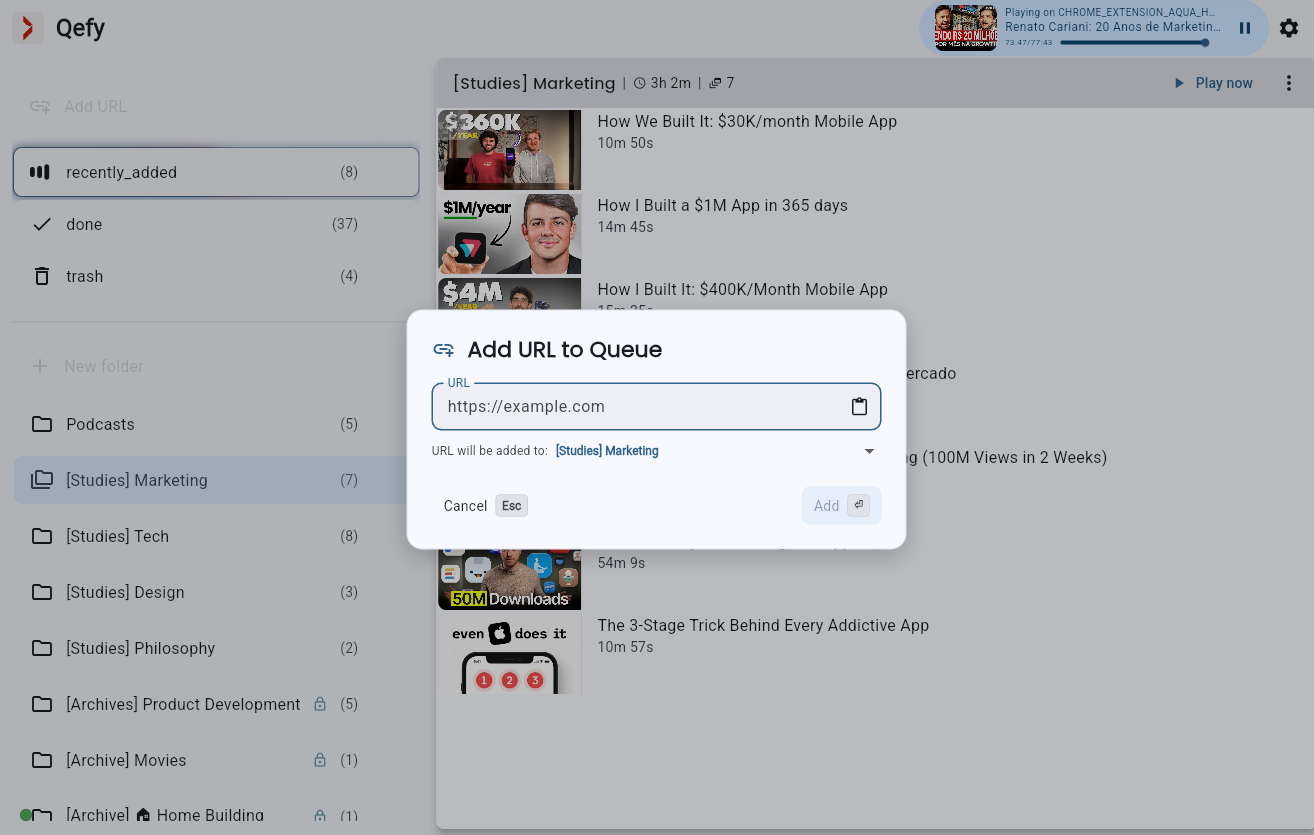
Tap Add URL link to open the add-link dialog. Paste a URL manually or tap the clipboard button to fill from the clipboard in one tap. Choose the destination folder—it defaults to the folder you are focused on. Shortcut: Command+V (Mac) or Control+V (Windows or Linux) pastes a URL directly into the current folder. After you save, QueueFy fetches title, artwork, and other details for the link automatically.
4. Use QueueFy on phone, tablet, or desktop
QueueFy runs in the browser, so you can open the same workspace on a large monitor, iPad, or phone without installing a separate desktop app.
Keep exploring QueueFy
This tutorial covers the basics. Browse the rest of the feature guides for playlists, sync, themes, playback shortcuts, and more.